 FIREBIRD
Create yourself.
One thing at a time.
Choose one thing to do with someone. Start a challenge, leave a receipt when you show up, and see your progress together.
In beta. Start on your own. Grow together.
For creators & groups ↗See insideFrom “I want to”
to “I did.”
Choose one challenge. Pick a date. Invite someone if you want. Check in with one tap.
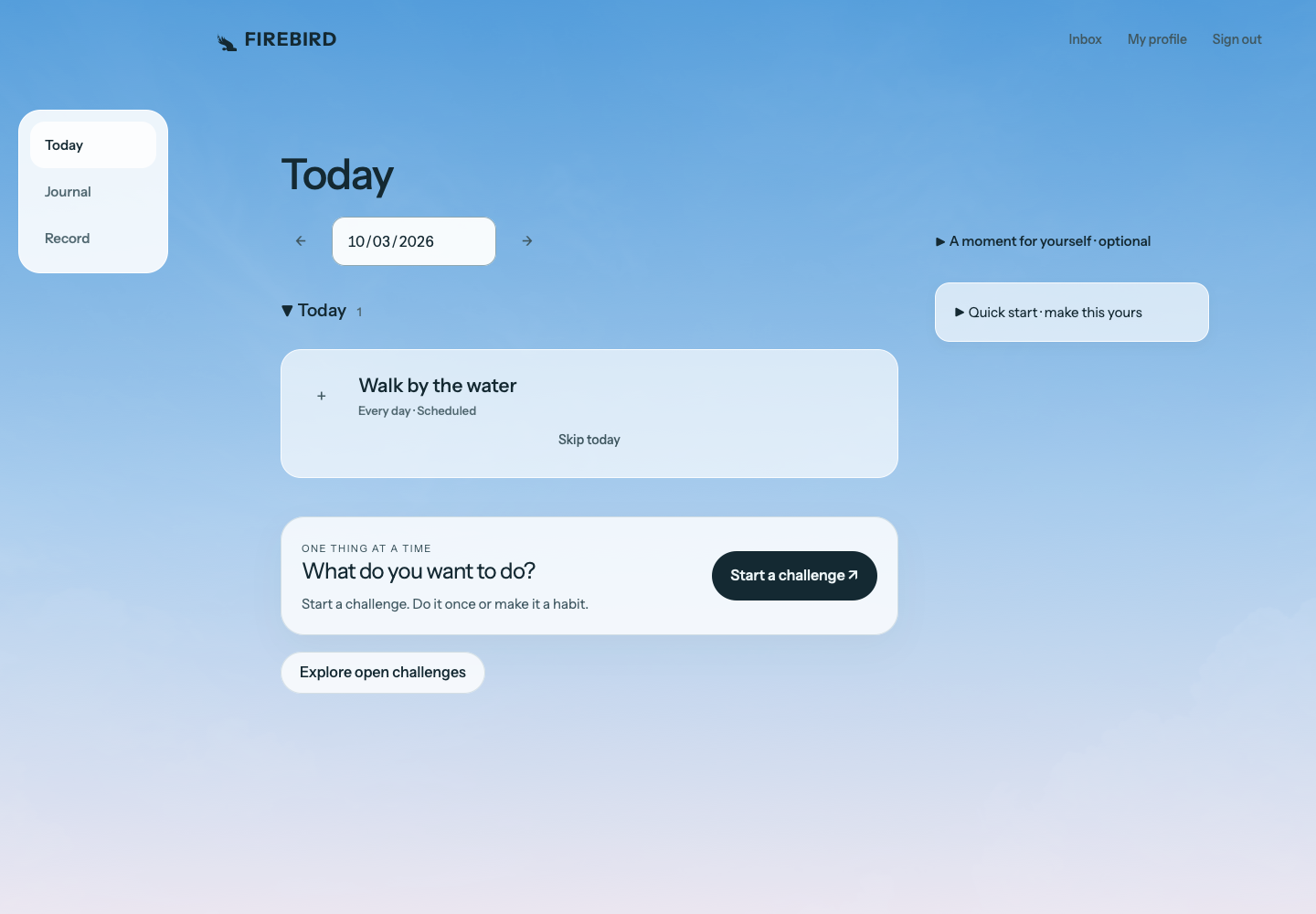
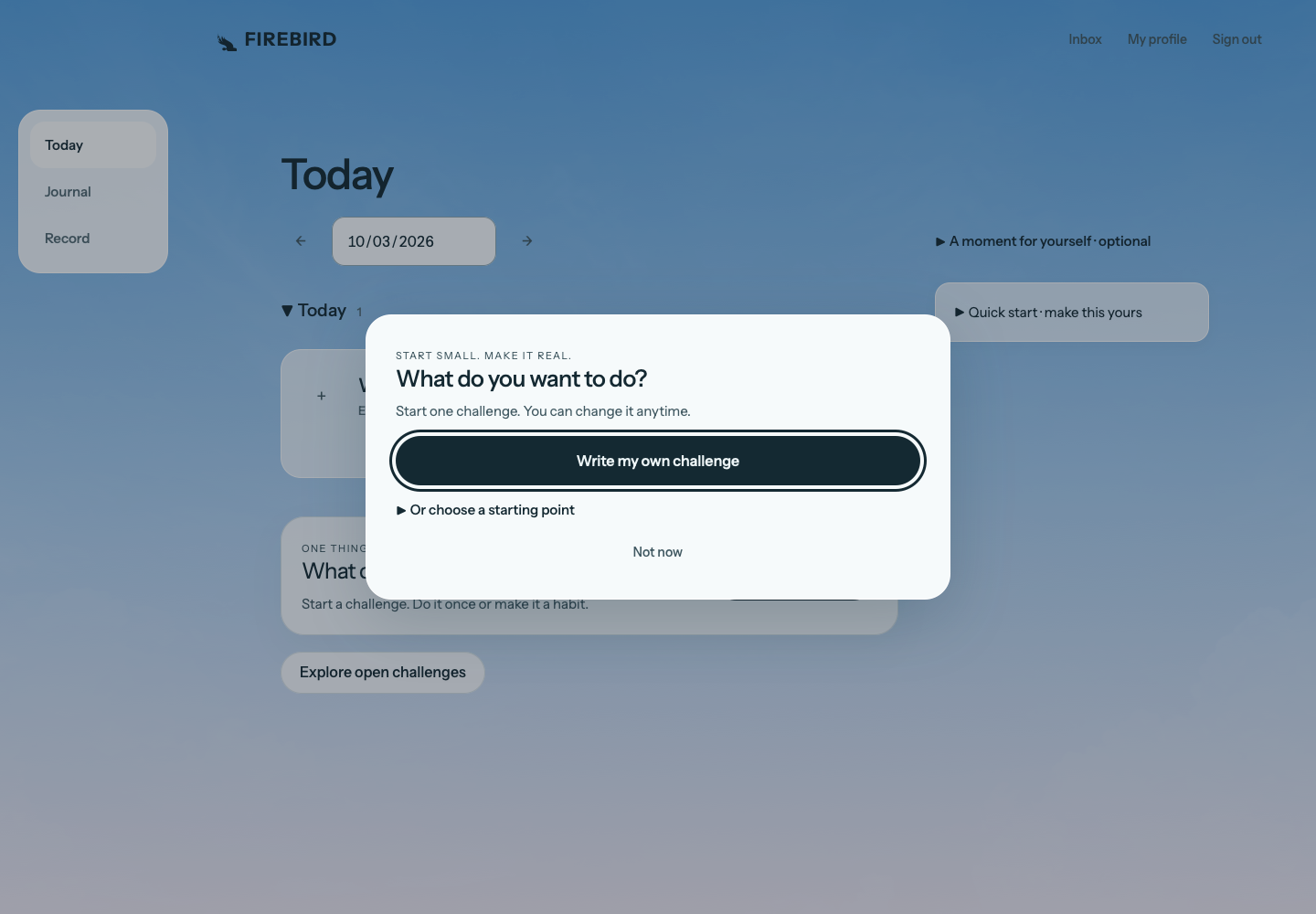
Current browser experience. Fictional sample activity. Invitations are sent only when you choose.
Your thing.
Our thing.
Pick a challenge. Text the link. Now there’s a place to show up for each other, see check-ins, and leave a little encouragement.
Seven days.
Twenty minutes outside.
No grand reinvention. Just a reason to get out the door, and someone to ask how it went.
Before you begin.
Can I join a challenge without the app?
Yes. Open the invitation, choose “Sign in or sign up to join,” and continue in your browser. Your invitation stays with you through sign-in. Prefer iPhone? The same invitation also offers the TestFlight beta.
Recorded in the web app with a fictional challenge. Open invitation → choose browser sign-in → verify your email → confirm joining.
Can I switch between iPhone and web?
Sign in with the same account at firebird.life/app to access your synced challenges and check-ins. Journal text backup is optional: enable it in FIREBIRD’s settings on iPhone to access that writing on the web. Some conversational tools are currently available only in the iPhone app.
What’s private?
Your journal starts private. People in a shared challenge can see the check-ins you share there. Publishing a note or receipt is a separate choice. Optional reflections use the entries you select; you can review the details before sharing them for processing. Read our privacy policy.
What’s a receipt?
A record of showing up. Your check-ins add up over time; you can create a shareable receipt for a day, a milestone, or a challenge. Sharing is always optional.
Can I change the plan?
Of course. Edit a challenge, pause it, or skip a day. An optional Sunday reset helps you look back at the last seven days and choose what to keep or change. Daily journaling is optional.
I already have a TestFlight invitation. Where do I go?
Open FIREBIRD in TestFlight on your iPhone to install or update. Then open FIREBIRD and sign in. You can also open on the web.
Have a group
in mind?
Tell us what you’d like to try. We’re learning alongside the people using FIREBIRD.
Just want to try it? Get the iPhone beta ↗Thanks for being here.
We’ll be in touch. You can try FIREBIRD while you wait.
Get the iPhone beta ↗